



Content is the number one reason web design projects run late. Not design revisions, not development bugs, not hosting migrations. Content. In over 100 projects we have delivered at TerrisDigital, the single biggest bottleneck is almost always the same: the client hasn't prepared their website content before the design phase begins.
It makes sense. Writing about your own business is hard. You know your services inside-out, but translating that knowledge into structured, persuasive web copy is a completely different skill. So the content gets delayed, the designer builds placeholder pages, and the site launches with "Lorem ipsum" where your value proposition should be. Or worse, it doesn't launch at all.
This guide gives you the exact framework we share with every client before a project kicks off. It covers what content each page needs, how many words to aim for, which images to gather, and how to hand everything over so your designer can hit the ground running. Start preparing content 2 to 3 weeks before your web design project begins, and you will avoid the delays that plague most website builds.
Why content is the number one bottleneck in web projects
We have seen this pattern dozens of times. A business owner signs off on a web design proposal, the designer delivers beautiful mockups within two weeks, and then the project stalls. Why? Because the pages need real content, and the client hasn't written a single word yet.
Here is what typically goes wrong:
- Placeholder text that never gets replaced. The designer drops in "Lorem ipsum" to show the layout, the client approves the design, and nobody goes back to replace it with real copy. We have audited sites that launched with Latin filler text still visible on service pages.
- Rushed copy written at the last minute. When the deadline pressure hits, content gets thrown together in an afternoon. The result is generic, unfocused text that doesn't differentiate your business or persuade anyone to take action.
- Weeks of back-and-forth. The client writes a draft, the designer says it doesn't fit the layout, the client rewrites, and the cycle repeats. A project scoped for 4 weeks drags on for 10.
- Mismatched expectations. The business owner assumed the designer would write the content. The designer assumed the client would provide it. Neither is wrong, but the assumption costs everyone time.
Content delays don't just push your launch date back. They increase costs (more revision rounds), reduce quality (rushed writing converts poorly), and demoralise everyone involved. The fix is simple: prepare your content before the design phase starts.
When to start preparing content
Start 2 to 3 weeks before your web design project begins. That gives you enough time to write, review, and refine without feeling rushed, while keeping momentum for the project ahead.
The content-first approach works like this:
- Week 1: Gather all raw materials. Pull together existing brochures, sales decks, email templates, testimonials, team bios, and any copy from your current website. Create a Google Doc for each page of your new site.
- Week 2: Write first drafts. Don't aim for perfection. Get your ideas down, cover the key points for each page, and move on. You will refine later.
- Week 3: Edit, review, and hand over. Read everything aloud (you will catch awkward phrasing immediately). Have a colleague review for accuracy. Then deliver the final files to your designer.
If you are working with a web design agency, ask them for a content brief or template before you start writing. Good agencies provide a structured document that tells you exactly what they need for each page, including word count targets, image specifications, and content hierarchy. At TerrisDigital, we send this brief before every project kicks off.
The key insight: content shapes design, not the other way around. When a designer has your real content, they can build layouts that fit your actual message. When they don't, they guess, and guesses lead to revisions.
Page-by-page content checklist
Here is a complete breakdown of what content each page of your website needs. Use this as your master checklist.
Homepage (300 to 500 words)
Your homepage has roughly 5 seconds to communicate what you do, who you do it for, and why someone should care. Every element should earn its place.
- Primary headline: one clear sentence that explains what you do and who you help. Example: "Web Design for Singapore SMEs That Want More Customers, Not Just a Pretty Website."
- Subheadline: one to two sentences expanding on the headline with a specific benefit or proof point.
- Value proposition: three to four short bullet points or cards explaining why you are the right choice.
- Services overview: brief descriptions (one to two sentences each) of your core offerings, linking to individual service pages.
- Social proof: two to three client testimonials with names, companies, and photos where possible.
- Call to action (CTA): what do you want visitors to do next? "Get a Free Quote," "Book a Consultation," "View Our Portfolio." Make it specific.
- Trust signals: client logos, awards, certifications, or notable statistics (e.g., "100+ projects delivered").
About page (400 to 700 words)
The About page is consistently one of the most visited pages on any business website. People want to know who they are hiring before they make contact.
- Company story: how and why the business started. Keep it genuine and concise. Two to three paragraphs is plenty.
- Mission or values: what drives your business beyond making money. This doesn't need to be lofty. "We believe every small business deserves a great website" is more believable than a paragraph of corporate jargon.
- Team bios: short bios (50 to 100 words each) for key team members. Include roles, relevant experience, and a personal touch.
- Team photos: professional headshots or candid team photos. Avoid generic stock images of people in suits shaking hands.
- Credentials: certifications, partnerships, years in business, number of clients served.
Service pages (500 to 800 words each)
Each service you offer should have its own dedicated page. This is critical for both user experience and SEO. Don't lump five services onto a single page.
- Service description: what it is, who it's for, and what problem it solves. Lead with benefits, not features.
- Key benefits: three to five specific outcomes your clients can expect.
- Process or methodology: step-by-step explanation of how you deliver the service. This builds confidence.
- Pricing guidance: even a rough range ("starting from $X") helps qualify leads and builds trust. If you can't share exact pricing, explain what factors affect cost.
- FAQ section: three to five questions specific to this service. Real questions your clients actually ask.
- CTA: a clear next step specific to this service.
- Supporting visuals: screenshots, process diagrams, before-and-after examples, or relevant portfolio pieces.
Contact page (100 to 200 words)
Your contact page should make it effortless for someone to reach you. Remove every barrier.
- Business address: full address, ideally with a Google Maps embed.
- Phone number: with country code for international visitors.
- Email address: a real email, not a generic contact form with no alternative.
- WhatsApp number: essential for Singapore businesses. Many customers prefer WhatsApp over email or phone calls.
- Operating hours: including timezone if you serve international clients.
- Contact form fields: name, email, phone (optional), message. Keep it to four fields or fewer. Every extra field reduces submission rates.
Blog posts (600 to 1,500 words each, 3 to 5 posts at launch)
Launching with an empty blog section looks worse than not having a blog at all. Aim for three to five posts ready at launch.
- Topics: answer the questions your target customers actually ask. Use your sales conversations as inspiration.
- Format: how-to guides, listicles, case studies, and industry insights all work well.
- Length: 600 to 1,500 words per post. Longer isn't always better, but thin content (under 300 words) rarely ranks.
- Images: at least one featured image per post, plus supporting visuals where relevant.
For guidance on writing blog content that actually ranks, check our SEO guide for Singapore small businesses.
Portfolio or case studies (300 to 500 words each)
If your business involves any kind of project work (design, consulting, construction, events), portfolio pages are essential for building credibility.
- Project description: what the client needed and what you delivered.
- Results and metrics: specific, measurable outcomes wherever possible. "Increased online enquiries by 180%" is far more convincing than "the client was very happy."
- Client testimonial: a quote from the client about working with you.
- Visually rich imagery: screenshots, before-and-after comparisons, photos of the finished product or deliverable.
Recommended reads
Images and visual content you need to prepare
Text is only half the story. Your designer also needs images, and sourcing them at the last minute leads to the same delays that missing copy causes.
Professional photography vs stock images
Original photography always outperforms stock images. Visitors can spot a generic stock photo instantly, and it undermines the authenticity of your brand. That said, not every business can afford a professional photoshoot before launch. Here is a practical approach:
- Invest in professional photography for: team headshots, your physical workspace or storefront, key products, and any images that appear on your homepage or About page.
- Use high-quality stock photography for: blog post headers, abstract concept visuals, and background images where the subject doesn't need to be your actual business.
- Avoid: obviously staged stock photos (people pointing at blank whiteboards, exaggerated smiling into cameras). They erode trust.
Image checklist
- Logo files: vector format (SVG or AI) plus PNG with transparent background. Both a full logo and an icon/mark version if you have one.
- Team photos: consistent style (all professional headshots, or all casual, not a mix).
- Product or service images: high-resolution photos of your products, workspace, or work in progress.
- Client logos: for your "trusted by" or social proof sections. Ask clients for permission first.
- Portfolio images: screenshots, project photos, or before-and-after visuals.
- Favicon: a small icon (at least 512x512 pixels) that represents your brand in browser tabs.
Image specifications
Provide images at the highest resolution you have. Your designer will crop and optimise them. As a general guide:
- Hero and banner images: at least 1920 x 1080 pixels.
- Team headshots: at least 800 x 800 pixels (square crop works best).
- Portfolio images: at least 1200 x 800 pixels.
- Blog featured images: at least 1200 x 630 pixels (this size also works well for social media sharing).
- File format: JPEG or PNG. Your designer will convert to WebP for the live site.
Label every image file clearly. "IMG_4827.jpg" tells your designer nothing. "team-photo-terris-headshot.jpg" tells them exactly where it goes.
SEO content preparation
If you want your new website to rank on Google (and you should), a small amount of SEO preparation during the content phase saves significant effort later. You don't need to be an SEO expert. You just need to provide your designer with the right inputs.
Target keywords per page
Every page on your site should target one primary keyword and two to three secondary keywords. These are the search terms your potential customers use when looking for what you offer.
- Homepage: your brand name plus your core service and location. Example: "web design Singapore."
- Service pages: the specific service plus location. Example: "SEO services Singapore" or "logo design Singapore."
- Blog posts: question-based or informational keywords. Example: "how much does a website cost in Singapore."
If you are not sure which keywords to target, read our keyword research guide or ask your designer to help with keyword research before you start writing. Getting this right at the content stage is far easier than retrofitting keywords into existing pages later.
Meta titles and descriptions
Every page needs a meta title (50 to 60 characters) and meta description (150 to 160 characters). These are what appear in Google search results. Your designer can write these, but if you can provide drafts, it speeds up the process.
- Meta title formula: Primary Keyword | Brand Name. Example: "Web Design Singapore | TerrisDigital."
- Meta description formula: Benefit-driven summary with a call to action. Example: "Professional web design for Singapore SMEs. Fast, mobile-friendly websites that convert visitors into customers. Get a free quote today."
Alt text for images
Every image on your website should have descriptive alt text. This helps search engines understand what the image shows and makes your site accessible to visitors using screen readers.
- Good alt text: "TerrisDigital team working on a client website redesign in Singapore."
- Bad alt text: "photo1" or "image" or leaving it blank.
- Tip: include relevant keywords naturally, but don't stuff them. Describe what you actually see in the image.
For a comprehensive breakdown of on-page SEO, read our SEO guide for Singapore small businesses.
Writing tips for non-writers
Most business owners are not professional writers, and that is perfectly fine. You don't need to write like a copywriter. You need to communicate clearly. Here are six rules that will make your website copy better than 80% of what we see on Singapore business websites.
- Write like you talk. Read your copy aloud. If it sounds stiff, formal, or full of jargon, rewrite it the way you would explain it to a friend over coffee. "We leverage cutting-edge solutions to optimise your digital footprint" should become "We build websites that bring you more customers."
- Lead with benefits, not features. Your customers don't care about your proprietary methodology or your 12-step process. They care about the result. Instead of "Our CRM integrates with 200+ tools," write "Spend less time on admin and more time closing deals."
- Keep paragraphs short. Three to four sentences maximum. Large blocks of text are intimidating on screen, especially on mobile. According to the Nielsen Norman Group, 79% of web users scan rather than read word-by-word. Make scanning easy.
- Use subheadings liberally. Break your content into clearly labelled sections. A visitor should be able to skim your page headings and understand what you offer without reading a single paragraph.
- Cut the filler. Every sentence should add value. Phrases like "We are passionate about delivering excellence" say nothing. Replace them with specifics: "We have redesigned 100+ websites for Singapore SMEs in the past 3 years."
- End every page with a clear CTA. Tell the visitor exactly what to do next. "Ready to get started? Contact us for a free consultation" works. "Feel free to reach out at your convenience" does not.
For more detailed website copywriting tips that convert, we have a dedicated guide covering tone of voice, headline formulas, and persuasion techniques.
What if you can't write the content yourself?
Not everyone has the time or confidence to write their own website content. That is completely normal, and there are good alternatives.
Option 1: Hire a professional copywriter
A freelance copywriter with experience in web content can write your entire site for SGD $1,500 to $5,000, depending on the number of pages and complexity. The advantage is that you get polished, conversion-focused copy written by someone who does this for a living. The downside is cost and the time needed to brief them properly.
Look for a copywriter who:
- Has web copywriting samples (not just print or academic writing)
- Understands SEO basics (keyword placement, meta descriptions)
- Asks you detailed questions about your business, customers, and competitors
- Is based in or familiar with the Singapore market
Option 2: Have your web design agency write it
Many web design agencies, including ours, offer content writing as part of the project. This is often the most efficient option because the writer and designer work together from the start. The content is written to fit the design, and the design is built around the content. No mismatches, no back-and-forth.
At TerrisDigital, our content process involves a 45-minute discovery call, followed by a detailed content brief, first drafts within a week, and one round of revisions. Most clients find this approach saves them 10 to 15 hours of writing time.
Option 3: Provide raw information and let professionals polish
This is the middle ground, and it works surprisingly well. You don't write polished copy. Instead, you provide:
- Bullet points covering what each page should say
- Existing materials: brochures, proposals, sales emails, social media posts
- Recorded voice notes explaining your services (talk naturally, don't script it)
- Answers to a content questionnaire provided by your designer
Your designer or copywriter then takes these raw inputs and turns them into structured, polished web copy. You review and approve. This approach gives you quality content without the blank-page paralysis of writing from scratch.
Content handover checklist
How you deliver your content to your designer matters more than you think. A messy handover creates confusion, delays, and mistakes. A clean handover keeps the project on schedule.
The format we recommend: one Google Doc per page
- Create a separate Google Doc for each page of your website (Homepage, About, Service Page 1, Service Page 2, Contact, etc.).
- Name each doc clearly: "Homepage Content," "About Page Content," "SEO Service Page Content."
- Structure each doc with headings that match your intended page layout: H1 (main heading), H2 (section headings), body text, CTA text.
- Highlight anything you are unsure about in yellow. This flags it for your designer to review without slowing down the rest of the build.
Image handover
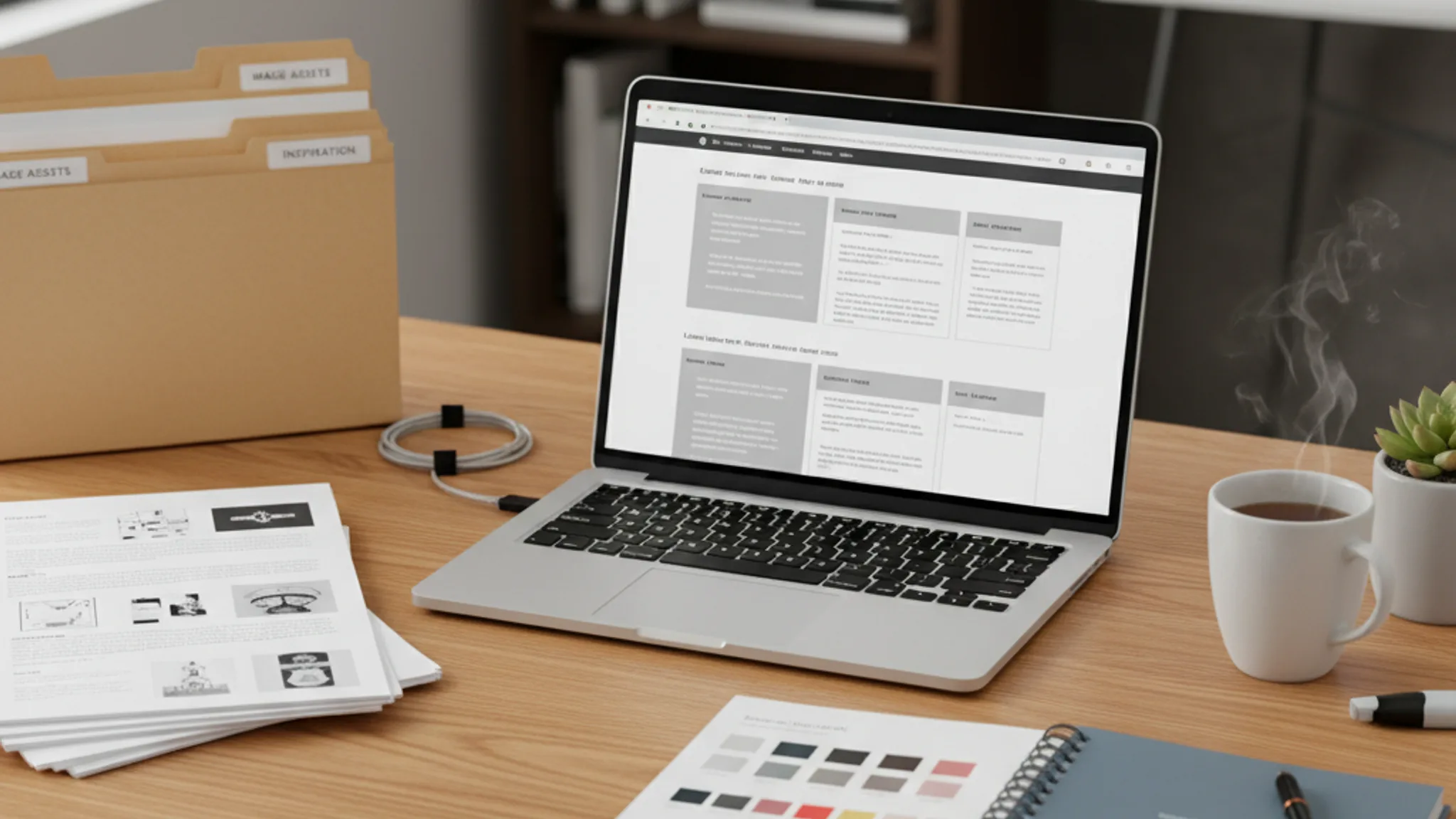
- Create a shared Google Drive or Dropbox folder with subfolders for each page.
- Name every image descriptively: "homepage-hero-team-photo.jpg," "about-terris-headshot.jpg," "portfolio-project1-screenshot.png."
- Include an image placement guide: in each Google Doc, note where each image should go. Example: "[Insert team-photo-terris-headshot.jpg here]."
- Provide alt text for every image in the document or in a separate spreadsheet.
Final review before handoff
- Spell-check everything. Typos on a live website damage credibility.
- Verify all business details: address, phone number, email, opening hours, pricing.
- Check that all testimonials are accurate and you have permission to use them.
- Confirm all statistics and claims are current (not from 2020).
- Review every page's content against the checklist in section 3 of this guide.
A well-organised handover typically saves one to two weeks on the overall project timeline. That is not an exaggeration. We have seen the difference consistently across hundreds of projects.
FAQ: Preparing content for your new website
How long does it take to prepare content for a new website?
For a typical 5 to 10 page business website, allow 2 to 3 weeks. Week one for gathering raw materials and existing content, week two for writing first drafts, and week three for editing, reviewing, and finalising. Larger sites with 20 or more pages may need 4 to 6 weeks. Starting early is always better than rushing at the end.
How many words should my website have?
Word count varies by page. Your homepage should have 300 to 500 words. About pages work best at 400 to 700 words. Individual service pages need 500 to 800 words each. Contact pages only need 100 to 200 words. Blog posts should be 600 to 1,500 words. These are guidelines, not hard rules. Quality and clarity always matter more than hitting a word count target.
Should I write my own website content or hire a copywriter?
It depends on your budget, time, and writing confidence. If you can invest SGD $1,500 to $5,000, a professional copywriter will deliver polished, conversion-focused content faster than you can write it yourself. If budget is tight, write it yourself using the checklist and tips in this guide, then have someone else proofread it. The third option is to provide raw bullet points and let your web design agency refine them into finished copy.
What happens if I don't have my content ready when the design starts?
Your project will almost certainly run late. The designer will use placeholder text to build the layout, but those placeholders create problems. Content that is longer or shorter than the placeholder will break the layout. Pages end up being redesigned to fit the actual content, doubling the work. In the worst case, the project stalls entirely while everyone waits for copy. Preparing content before design begins avoids all of this.
Do I need to prepare SEO content separately?
Not separately, but alongside your main content. For each page, identify one target keyword and two to three secondary keywords. Write a draft meta title (50 to 60 characters) and meta description (150 to 160 characters). Prepare alt text for every image. If you are unsure about keyword selection, ask your web designer or an SEO specialist to help. Doing this at the content stage is much easier than retrofitting keywords into finished pages.
Can I use AI tools like ChatGPT to write my website content?
AI tools can be useful for generating first drafts, overcoming writer's block, and structuring your ideas. However, AI-generated content needs significant editing before it is ready for your website. The output tends to be generic, repetitive, and lacks the specific details that make your business unique. Use AI as a starting point, then rewrite extensively in your own voice. Add real examples, genuine client stories, and specific details about how you work. The businesses that stand out are the ones whose content sounds like a real person wrote it, not a machine.
Preparing content for your new website is not glamorous work, but it is the single most important thing you can do to ensure your web design project stays on track, launches on time, and delivers results from day one. The businesses that invest 2 to 3 weeks in content preparation before design begins consistently end up with better websites, launched faster, at lower cost.
To recap the essentials: start early, use the page-by-page checklist to ensure nothing is missed, gather your images and brand assets in advance, prepare basic SEO inputs for each page, and hand everything over in a clean, organised format. If writing isn't your strength, provide raw information and let professionals polish it.
At TerrisDigital, we build content preparation into every web design project. Our clients receive a detailed content brief, a content questionnaire, and hands-on support to ensure their copy is ready before a single pixel is designed. Explore our web design services, or get in touch for a free consultation on your upcoming website project.

Written by
Terris
Founder & Lead Strategist
Terris has guided over 100 Singapore businesses through the website content preparation process. He knows that content is the number one bottleneck in web projects and shares the exact framework he gives clients to keep projects on track.
Want to see these strategies in action? Browse our portfolio or get in touch to discuss your project.