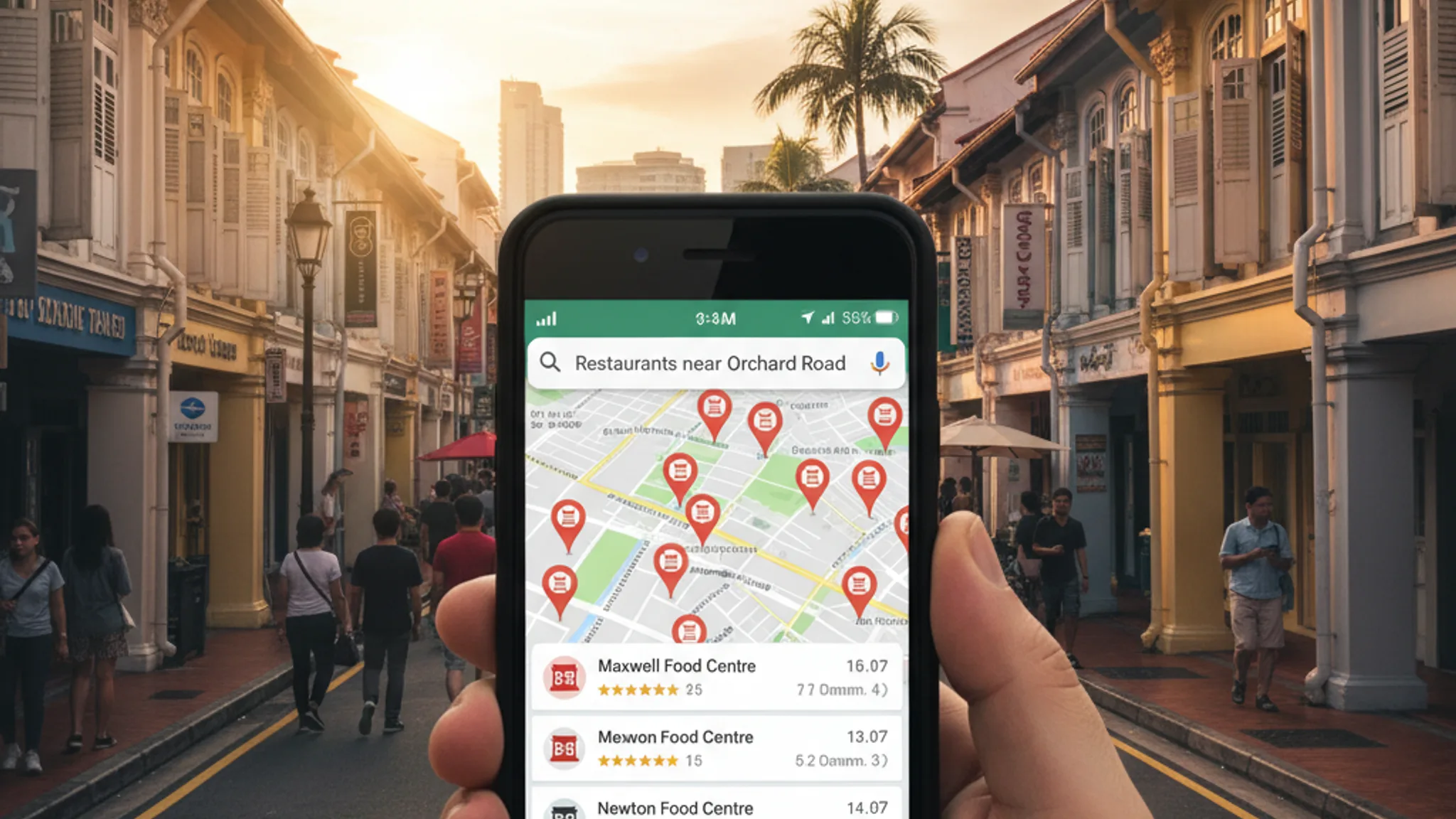





When we set up G & K Couture's Google Business Profile, their Far East Plaza showroom went from invisible on Google Maps to generating 2x more walk-in visits within weeks. No ad spend. No complicated funnel. Just a properly optimised free listing.
Google Business Profile Singapore is, without question, the single most underused tool we see among local SMEs. It costs nothing, takes under an hour to set up, and directly controls whether your business appears in the Map Pack, those top three results with the map that show up whenever someone searches for a local service. According to recent data, the Map Pack captures 40–50% of all clicks on local-intent searches. If you're not there, your competitors are taking those leads.
This guide walks you through everything: setup, optimisation, reviews, posts, and the mistakes we see Singapore businesses make repeatedly. Whether you run a salon in Tanjong Pagar, a law firm in Raffles Place, or a renovation company serving the whole island, this applies to you.
What is Google Business Profile and why should you care?
Google Business Profile (formerly Google My Business) is a free tool that lets you control how your business appears across Google Search and Google Maps. Your profile displays your business name, address, phone number, website, opening hours, photos, reviews, and more, right in the search results, before anyone clicks through to a website.
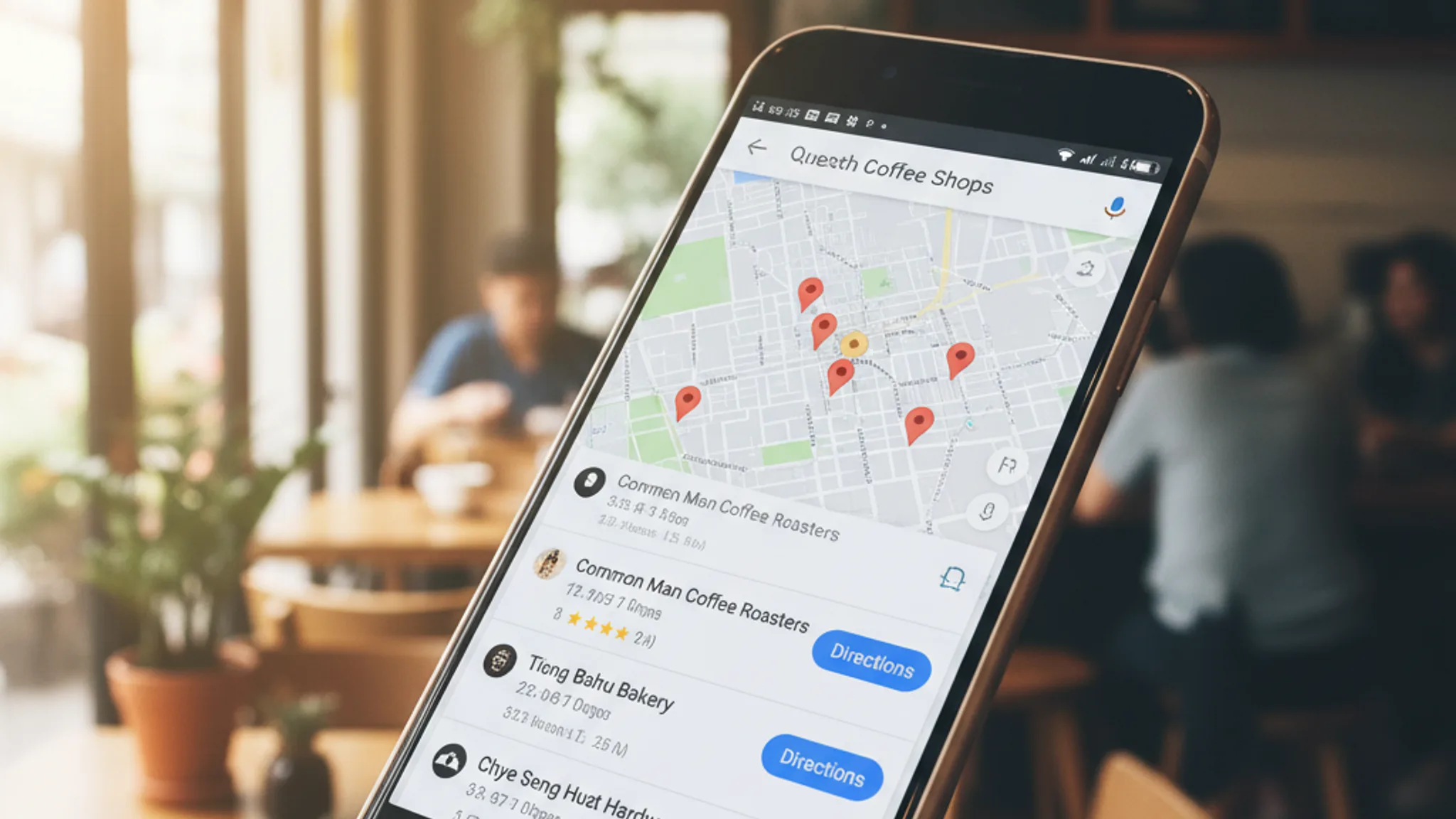
The real prize is the Map Pack (also called the Local 3-Pack). When someone in Singapore searches "best coffee shop near me" or "web design agency Singapore," Google shows a map with three featured businesses at the very top of the page. Research from BrightLocal shows the #1 Map Pack result gets 17.8% of clicks, followed by 15.4% for #2 and 15.1% for #3. Combined, that's nearly half of all clicks going to just three businesses.
To put that in context: businesses appearing in the Map Pack receive 126% more traffic and 93% more actions (calls, direction requests, website visits) than businesses ranking just outside the top three. That's a massive difference for something that costs zero dollars.
Here's what makes this especially relevant for Singapore SMEs. Singapore is a dense, mobile-first market, smartphone penetration is above 97%, and "near me" searches have grown steadily year after year. When someone pulls out their phone to find a plumber, a dentist, or a restaurant, the Map Pack is the first thing they see. If your business isn't there, you effectively don't exist for that searcher.
How to set up your Google Business Profile
Setting up your profile is straightforward, but cutting corners during setup will cost you later. Here's the process we follow for every client.
Step 1: Go to business.google.com and sign in with a Google account. Use a business email if you have Google Workspace, or a personal Gmail works fine. Just make sure it's an account you'll have long-term access to, losing access to this account means losing control of your profile.
Step 2: Enter your business name exactly as it appears in real life. Don't stuff keywords here. If your business is "Lim Dental Clinic," don't enter "Lim Dental Clinic, Best Dentist in Singapore." Google penalises keyword-stuffed business names, and we've seen profiles suspended for this.
Step 3: Choose your primary business category. This is one of the strongest ranking signals for the Map Pack, more on this in the optimisation section below. Pick the category that most accurately describes your core service. You can add secondary categories later.
Step 4: Add your location. If you have a physical shopfront or office that customers visit, enter the full address. Google may ask you to position a pin on the map. For service-area businesses (like home cleaning or renovation companies), you can skip the street address and define the areas you serve instead, up to 20 areas by city or postal code.
Step 5: Add your phone number and website URL. Use a local Singapore number (+65). If you have a website, link directly to your homepage or a relevant landing page.
Step 6: Verify your business. Google needs to confirm you're the legitimate owner. For most Singapore businesses, verification happens via a postcard sent to your physical address with a PIN code (takes 5–14 days). Some businesses qualify for instant verification via phone, email, or video call. Complete verification as soon as possible, an unverified profile won't appear in search results.
That's the basic setup. But a bare-bones profile is like a half-built shopfront. The real results come from optimisation.
Recommended reads
Optimising your Google Business Profile for Singapore searches
A fully optimised profile appears 80% more often in local search results compared to incomplete listings. Here's where to focus your effort.
Primary category selection. According to Google's own guidelines, your primary category is the single most important factor for Map Pack ranking. Be specific. If you're a sushi restaurant, choose "Sushi Restaurant", not just "Restaurant." If you're an employment agency, choose "Employment Agency", not "Consulting Firm." Add secondary categories for anything else you offer, but get the primary one right first.
Business description. You get 750 characters. Use them wisely. Include your target keywords naturally, mention your location, and describe what makes you different. Top-ranking profiles use around 70 words in their descriptions versus fewer than 50 for lower-ranking ones. Don't waste space on generic filler, every sentence should tell a potential customer something useful.
Services and products. List every service you offer with descriptions and pricing where appropriate. This gives Google more context to match your profile to relevant searches. For example, a renovation company should list "HDB renovation," "condo renovation," "kitchen renovation," "bathroom renovation" as separate services with SGD price ranges.
Photos; and lots of them. Profiles in the top 3 Map Pack positions average over 250 images. You don't need to hit that number overnight, but aim to add 2–3 new photos per week. Include your shopfront, interior, team, products, and work in progress. Geotagged photos (taken on a phone at your business location) carry extra weight. Avoid stock photos entirely, Google's AI can detect them, and customers can spot them even faster.
Opening hours and attributes. Keep hours accurate, including public holidays. Set special hours for Chinese New Year, National Day, and other Singapore holidays. Add relevant attributes: "wheelchair accessible," "free Wi-Fi," "accepts NETS," "women-led." These attributes appear on your profile and filter results.
Q&A section. Most businesses ignore this. Don't. Seed your own Q&A with common questions and answers, "Do you serve halal food?", "Is parking available?", "Do you accept walk-ins?" If you don't fill this in, random users can post questions (and answers) on your behalf.
Getting and managing reviews
Reviews are the #1 factor that separates Map Pack winners from everyone else. BrightLocal's annual ranking factor study puts review signals at 16% of the local pack algorithm, and that weight keeps rising each year. But it's not just about having reviews, it's about recency, volume, quality, and how you respond.
Volume and velocity. Top-ranking businesses average 47+ reviews. But dumping 50 reviews in a single week looks suspicious and can trigger a Google filter. Aim for a steady flow: 2–4 new reviews per week is a healthy pace for most SMEs. If you're starting from zero, you'll see a noticeable visibility boost once you hit around 10 reviews.
Star rating. Aim for 4.5 stars or above with at least 20 recent reviews. Anything below 4.0 raises red flags for potential customers, and Google tends to favour profiles with higher ratings in the Map Pack. A perfect 5.0 from only three reviews is less convincing than a 4.7 from 40 reviews.
How to ask for reviews. The simplest approach: create a short review link from your GBP dashboard and share it. Send it via WhatsApp after completing a service, print it on a QR code at your counter, or include it in your email follow-ups. Timing matters, ask within 24 hours of the service while the experience is fresh. Don't offer incentives for reviews (it violates Google's policies and can get your reviews removed).
Review content matters. Reviews that mention specific services, outcomes, and your business name carry more weight. A review saying "Terris helped us rank #1 on Google for our main keyword and our enquiries tripled" is far more valuable for SEO than "Great service, highly recommended." You can't dictate what people write, but you can guide them: "We'd love to hear what you thought of [specific service], here's the link."
Responding to every review. Respond to all reviews, positive and negative, within 24–48 hours. For positive reviews, thank the customer by name and reference the specific service. For negative reviews, acknowledge the concern, apologise where appropriate, and offer to resolve it offline. A professional response to a bad review often impresses potential customers more than a dozen five-star ratings.
Google Business Profile posts and updates
GBP posts are like mini social media updates that appear directly on your profile in search results. Most businesses either don't know about them or post once and forget. That's a missed opportunity, especially in 2026 where Google's AI is weighing activity signals more heavily.
There are four post types: updates (general news), offers (promotions with start/end dates), events (upcoming events with date and time), and products (showcase items with pricing). Each post can include an image, up to 1,500 characters of text, and a call-to-action button.
How often to post: Aim for at least once a week. Two to three times per week is ideal. Posts expire after seven days (offers expire on their end date), so consistency matters. Profiles that post regularly signal to Google that the business is active and engaged; and Google rewards that with better visibility.
What to post:
- Before-and-after photos of your work (renovation companies, salons, designers)
- Seasonal promotions: Chinese New Year packages, National Day offers, year-end sales
- New products or services added to your lineup
- Team updates: new hires, certifications, awards
- Tips and advice related to your industry (a dentist sharing oral care tips, an accountant posting about IRAS deadlines)
Always include an image. Posts with photos get significantly more engagement than text-only posts. And add a CTA button, "Learn more," "Call now," "Book online", to direct people to the next step.
Common GBP mistakes Singapore businesses make
We've audited hundreds of Google Business Profiles across Singapore. These are the mistakes we see most often; and every one of them is fixable.
1. Wrong primary category. A web design agency listed as "Computer Consultant." A hawker stall listed as "Restaurant." A yoga studio listed as "Gym." Your primary category directly determines which searches you appear for. If it's wrong, you're invisible for the searches that matter most. Check yours right now, you might be surprised.
2. Inconsistent NAP. NAP stands for Name, Address, Phone number. If your GBP says "Blk 123 Bukit Merah Lane 1 #01-456" but your website says "123 Bukit Merah Lane 1, Unit 01-456," Google sees conflicting information and loses confidence in your listing. Your NAP must be identical across your GBP, website, social media, directories, and any other online listing.
3. No photos. We've seen profiles with zero photos. Zero. In a world where 87% of consumers use Google to find local businesses, having no photos is like running a shop with blacked-out windows. Upload at least 10 photos to start, then add new ones weekly.
4. Ignoring reviews. Twenty-eight unanswered reviews. A one-star complaint sitting there for six months with no response. This tells every potential customer that you don't care. Even a simple "Thank you for your feedback, we appreciate it" is better than silence.
5. Not verifying the profile. Some business owners start the setup and never complete verification. An unverified profile is essentially invisible. If you received a postcard months ago and never entered the code, do it today.
6. Duplicate listings. If your business moved or changed names, you might have multiple GBP listings floating around. These dilute your reviews and confuse both Google and customers. Claim and merge or remove any duplicates through the GBP dashboard.
7. Set-and-forget mentality. Your profile isn't a one-time setup. Businesses that treat their GBP as a living asset, posting regularly, responding to reviews, updating photos, consistently outrank those who filled in the basics and walked away.
How Google Business Profile connects to your website SEO
Your GBP and your website aren't separate entities, Google cross-references them. Strong alignment between the two reinforces your authority and boosts both local and organic rankings.
Consistent information. Your website's contact page should display the exact same NAP as your GBP. Same business name formatting, same address, same phone number. Embed a Google Map on your contact page pointing to your GBP listing.
Structured data markup. Implement LocalBusiness schema on your website with your address, opening hours, geo-coordinates, and service areas. This gives Google machine-readable confirmation that your website and GBP belong to the same business. We do this for every client, it's a technical SEO fundamental that many agencies skip. Read more about this in our SEO guide for Singapore small businesses.
Service-specific landing pages. If your GBP lists five services, your website should have a dedicated page for each one. When someone clicks "Website" from your GBP after searching "web design Singapore," they should land on a page that's specifically about web design, not a generic homepage. This improves both conversion rates and the relevance signals Google picks up.
We saw this play out clearly with UCOATE, where aligning their GBP services with dedicated website landing pages helped them achieve page 1 rankings and 3x more enquiries. Similarly, Arcade Rental combined a properly optimised GBP with strong on-site SEO to reach the #1 position on Google and grow traffic by 300%.
Link your GBP from your website. Add a "Find us on Google Maps" link or embed a map widget. This creates a direct connection between the two properties and makes it easy for website visitors to leave a review or get directions.
For a deeper look at how all of this ties into a broader search strategy, check out our guide on getting to the first page of Google in Singapore.
Google Business Profile is the most powerful free tool available to Singapore SMEs for local visibility. Setting up a profile takes under an hour. Optimising it properly, categories, photos, reviews, posts, and website alignment, is what separates the businesses that appear in the Map Pack from the ones buried on page two.
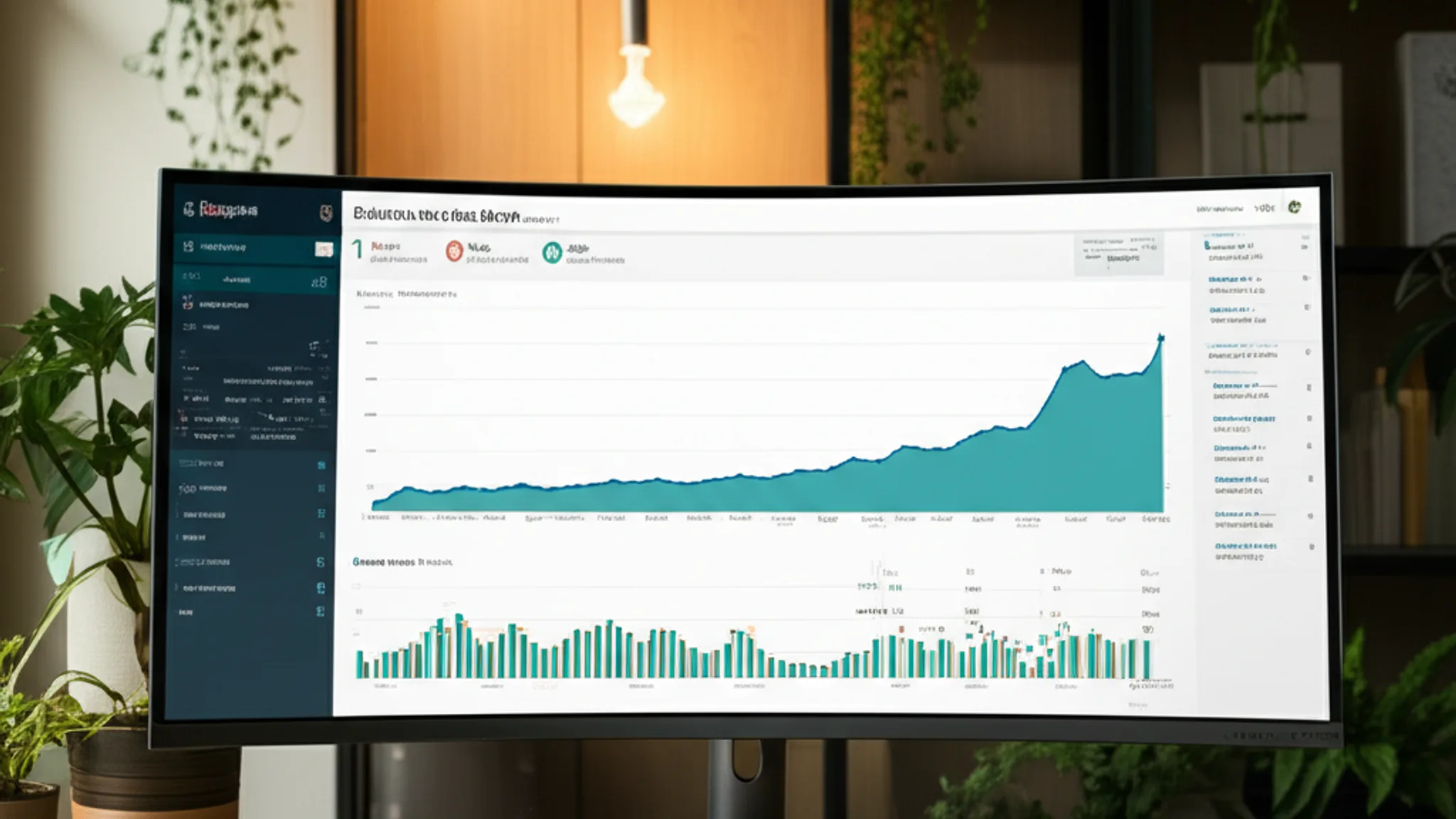
The data backs this up: fully optimised profiles generate 4x more website visits, 12% more calls, and significantly more direction requests. And unlike paid ads, the results compound over time. Every review, every post, every photo adds to a profile that keeps working for you month after month.
If you're not sure where your profile stands, start with a quick audit: is your primary category correct? Are your hours accurate? Do you have at least 10 photos and 10 reviews? Are you posting weekly? If the answer to any of those is no, you've got quick wins waiting.
We help Singapore businesses set up and optimise their Google Business Profiles as part of our SEO service. Whether you need a full local SEO strategy or just a one-time GBP audit, get in touch and we'll take a look at what you're working with.

Written by
Terris
Founder & Lead Strategist
Terris has over 8 years of experience helping Singapore businesses rank higher on Google through strategic SEO, content optimisation, and technical excellence. He has delivered first-page rankings for clients across multiple industries.
Want to see these strategies in action? Browse our portfolio or get in touch to discuss your project.